
Are you a student looking for free, reliable, and privacy-friendly tools to boost your productivity and learning? Open source apps are a goldmine! Not only are they free, but they’re also customizable and often built by passionate communities. Here are 10 amazing open source apps that can make your student life smarter, easier, and more organized.
Live Seminar – Open Source in easy Way
1. Zotero – Your Personal Research Assistant
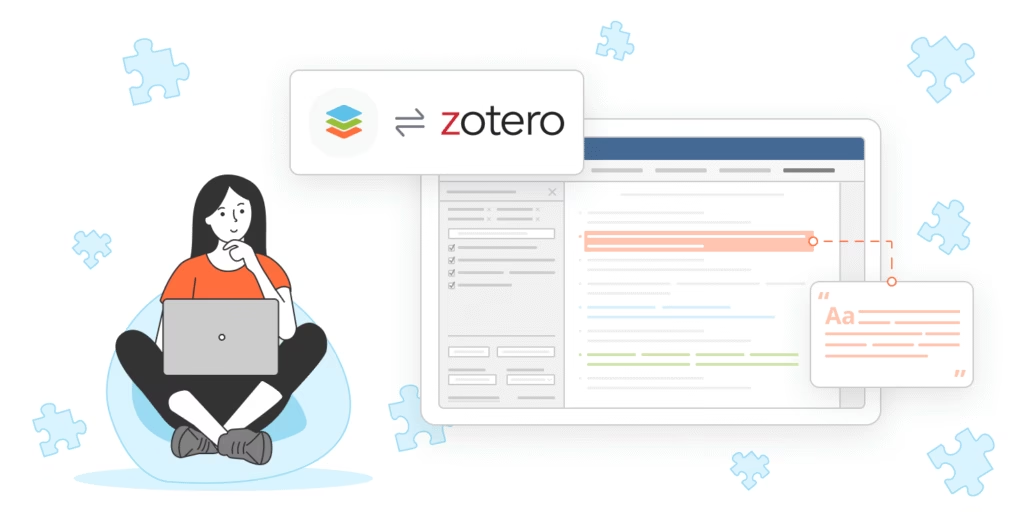
Image Suggestion: Screenshot of Zotero’s library interface with organized references.
If you’re writing essays or research papers, Zotero is a lifesaver. It helps you collect, organize, and cite sources with just a few clicks. No more stressing over bibliography formatting!
Why you’ll love it:
• One-click saving from the web
• Automatic citation generation
• Syncs across devices
📚✨
Zotero
2. Anki – Master Anything with Flashcards
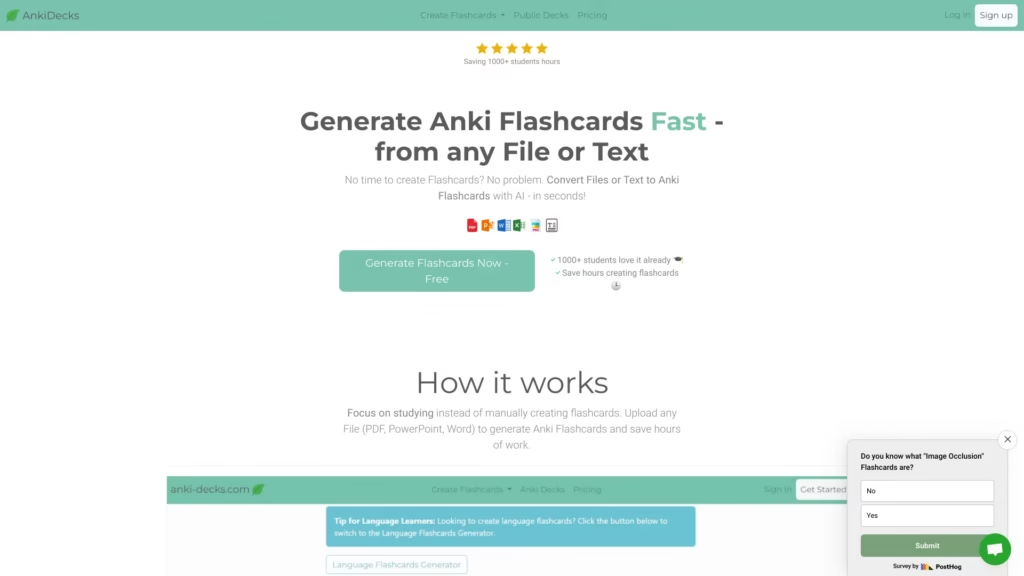
Image Suggestion: Anki deck with sample flashcards on screen.
Need to memorize formulas, vocabulary, or historical dates? Anki uses spaced repetition to make sure you never forget important information.
Why you’ll love it:
• Customizable cards
• Add images, audio, and more
• Huge library of shared decks
🧠🃏
Anki
3. Joplin – Take Notes Like a Pro
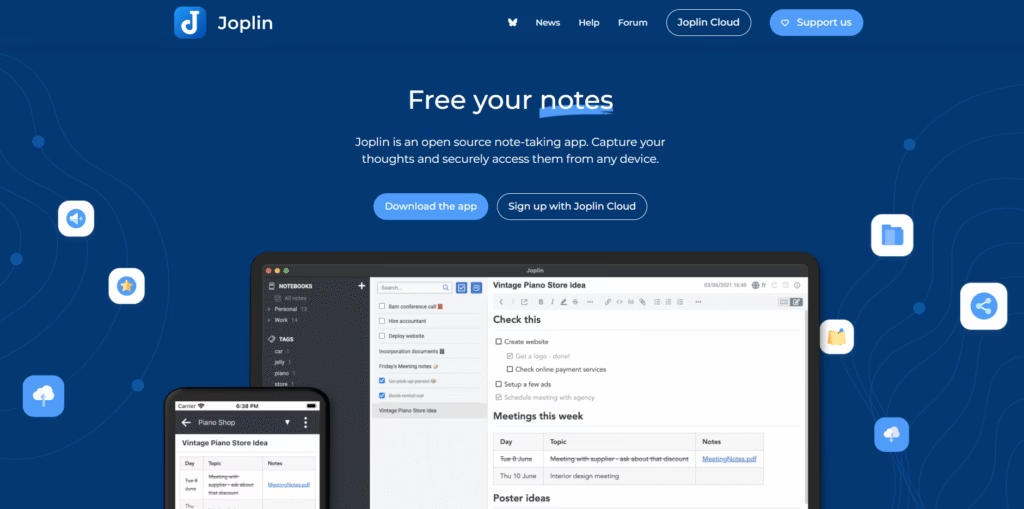
Image Suggestion: Joplin app showing a mix of notes and to-dos.
Joplin is a powerful note-taking app that supports Markdown, attachments, and to-do lists. Organize your lecture notes, assignments, and ideas all in one place.
Why you’ll love it:
• Syncs with Dropbox, OneDrive, etc.
• End-to-end encryption
• Web clipper for saving articles
📝🔐
4. Logseq – Build Your Personal Knowledge Base
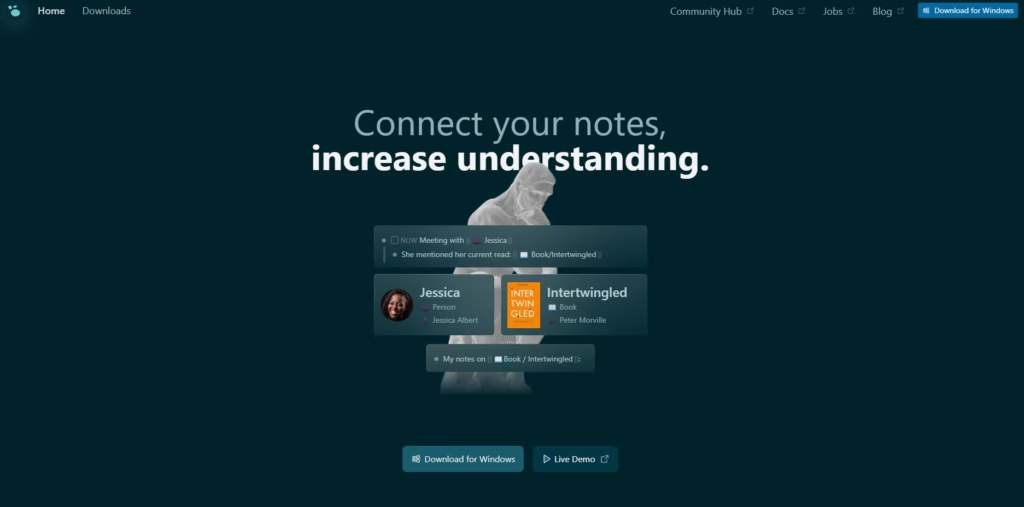
Image Suggestion: Logseq’s graph view showing interconnected notes.
Logseq is perfect for students who love connecting ideas. It’s an outliner and knowledge management tool that helps you visualize your thoughts and study smarter.
Why you’ll love it:
• Bi-directional links
• Graph view for relationships
• Markdown and Org-mode support
🧩🧠
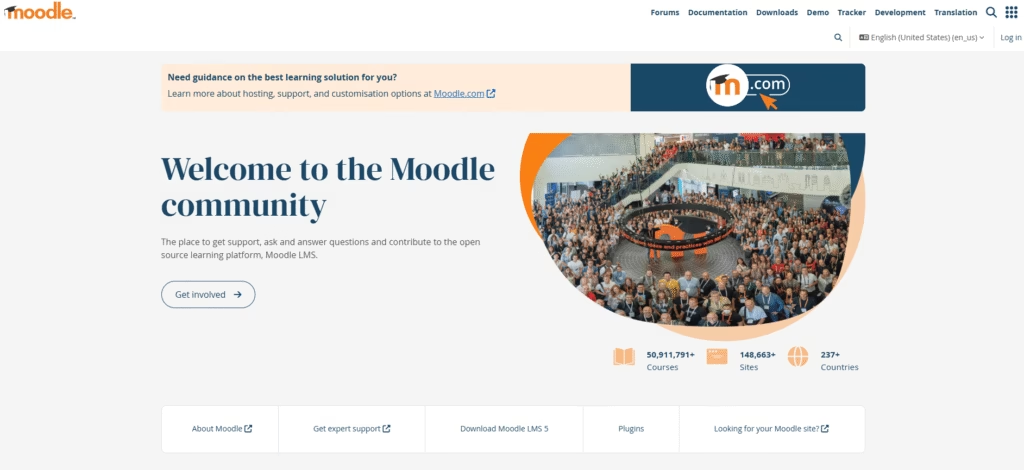
5. Moodle – Organize Your Learning
Image Suggestion: Moodle’s dashboard with course listings.
Moodle is the world’s most popular open source learning management system. Many schools use it, but you can also set it up for your own study groups or projects.
Why you’ll love it:
• Manage assignments and quizzes
• Discussion forums
• Mobile-friendly
📖💻
6. LibreOffice – Free Office Suite
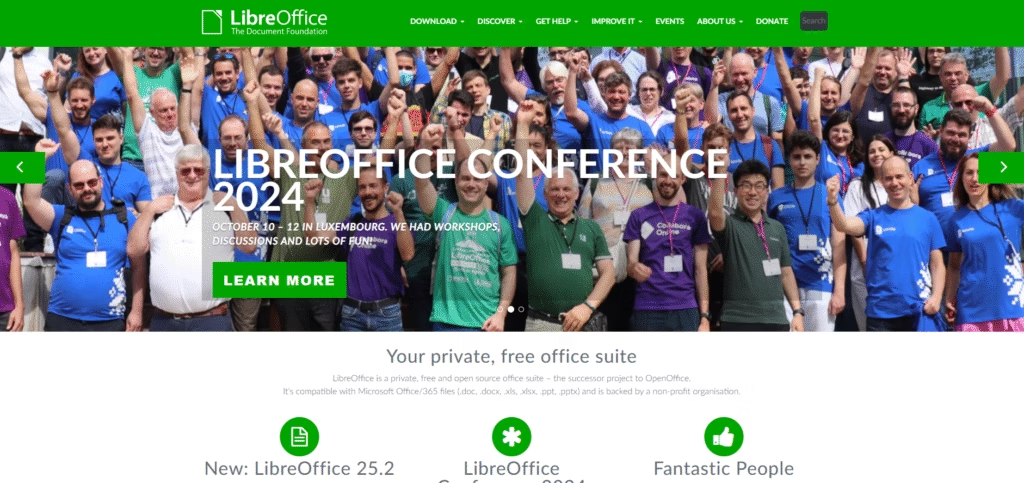
Image Suggestion: LibreOffice Writer open with a student essay.
LibreOffice is a complete office suite with word processing, spreadsheets, and presentations. It’s a great alternative to Microsoft Office, and it’s totally free.
Why you’ll love it:
• Compatible with MS Office files
• No license fees
• Powerful tools for all your coursework
📄📊
7. Bitwarden – Secure Your Passwords
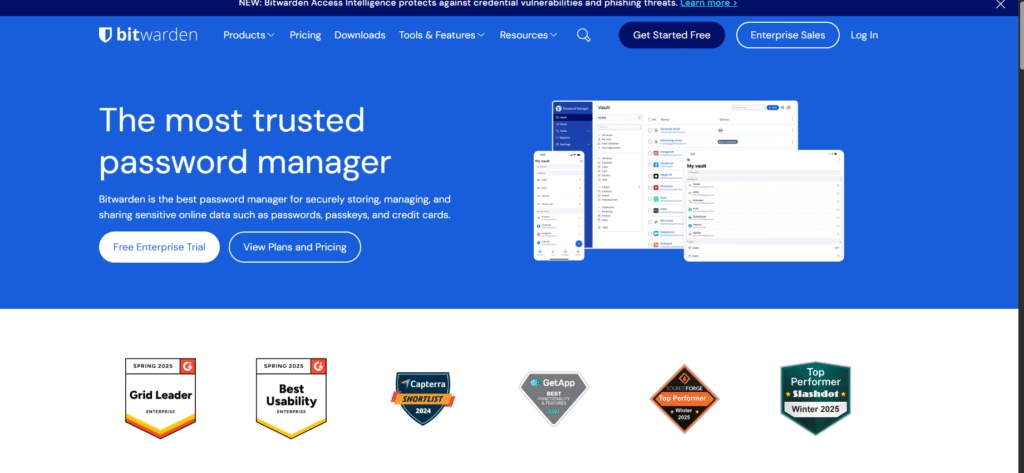
Image Suggestion: Bitwarden vault with sample logins.
Tired of forgetting passwords? Bitwarden is a secure, open source password manager that keeps your accounts safe and accessible.
Why you’ll love it:
• Syncs across devices
• Generates strong passwords
• Easy browser integration
🔐🔑
8. Thunderbird – Manage Your Email & Calendar
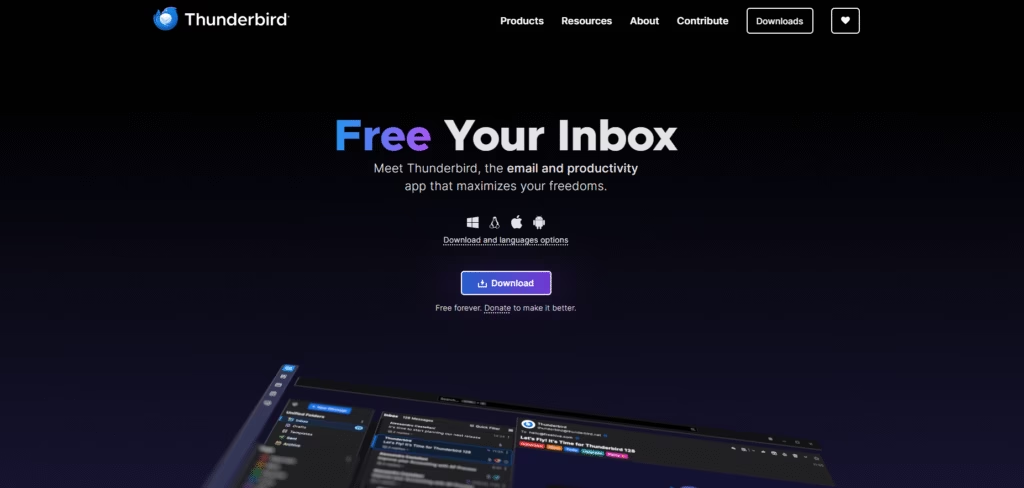
Image Suggestion: Thunderbird inbox with calendar pane.
Thunderbird is a robust email client that also handles your calendar and tasks. Keep your academic life organized and never miss a deadline.
Why you’ll love it:
• Customizable with add-ons
• Works with all major email providers
• Built-in calendar and task manager
📬📆
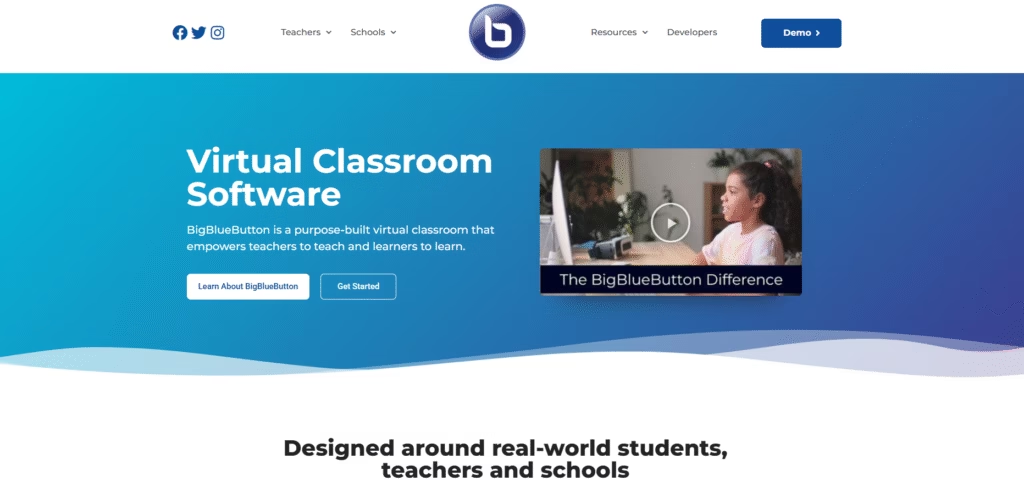
9. BigBlueButton – Online Classes Made Easy
Image Suggestion: BigBlueButton virtual classroom with video and whiteboard.
Need to host or join online classes? BigBlueButton is an open source virtual classroom with video, screen sharing, and interactive whiteboards.
Why you’ll love it:
• Real-time collaboration
• Breakout rooms for group work
• Polls and chat for engagement
🎥🧑🏫
10. OpenBoard – The Digital Whiteboard
Image Suggestion: OpenBoard interface with handwritten notes and sketches.
OpenBoard is a simple yet powerful digital whiteboard for brainstorming, teaching, or group study sessions.
Why you’ll love it:
• Draw, write, and annotate
• Add images and PDFs
• Perfect for tablets and projectors
🖊️🧾
Final Thoughts
Open source apps aren’t just free—they’re often more flexible and privacy-respecting than their commercial counterparts. Whether you’re taking notes, managing research, or collaborating online, these tools can help you succeed in your studies. Give them a try and see which ones become your new favorites!
Tip: Most of these apps are available for Windows, macOS, and Linux, and many have mobile versions too. Just search for the app name and download from their official website!
🚀📱💡
Suggest a Topic for next Webinar! Comment bellow